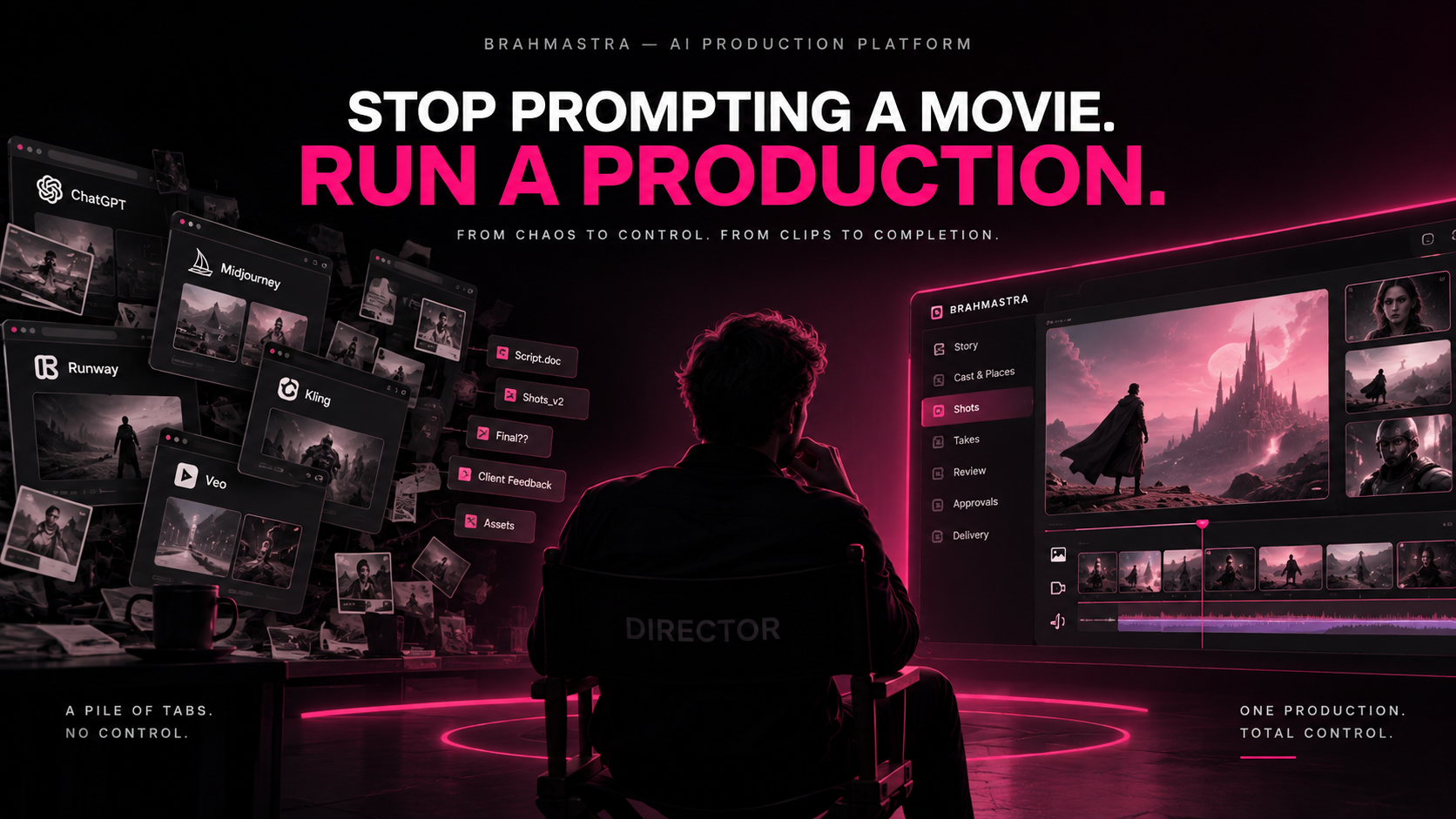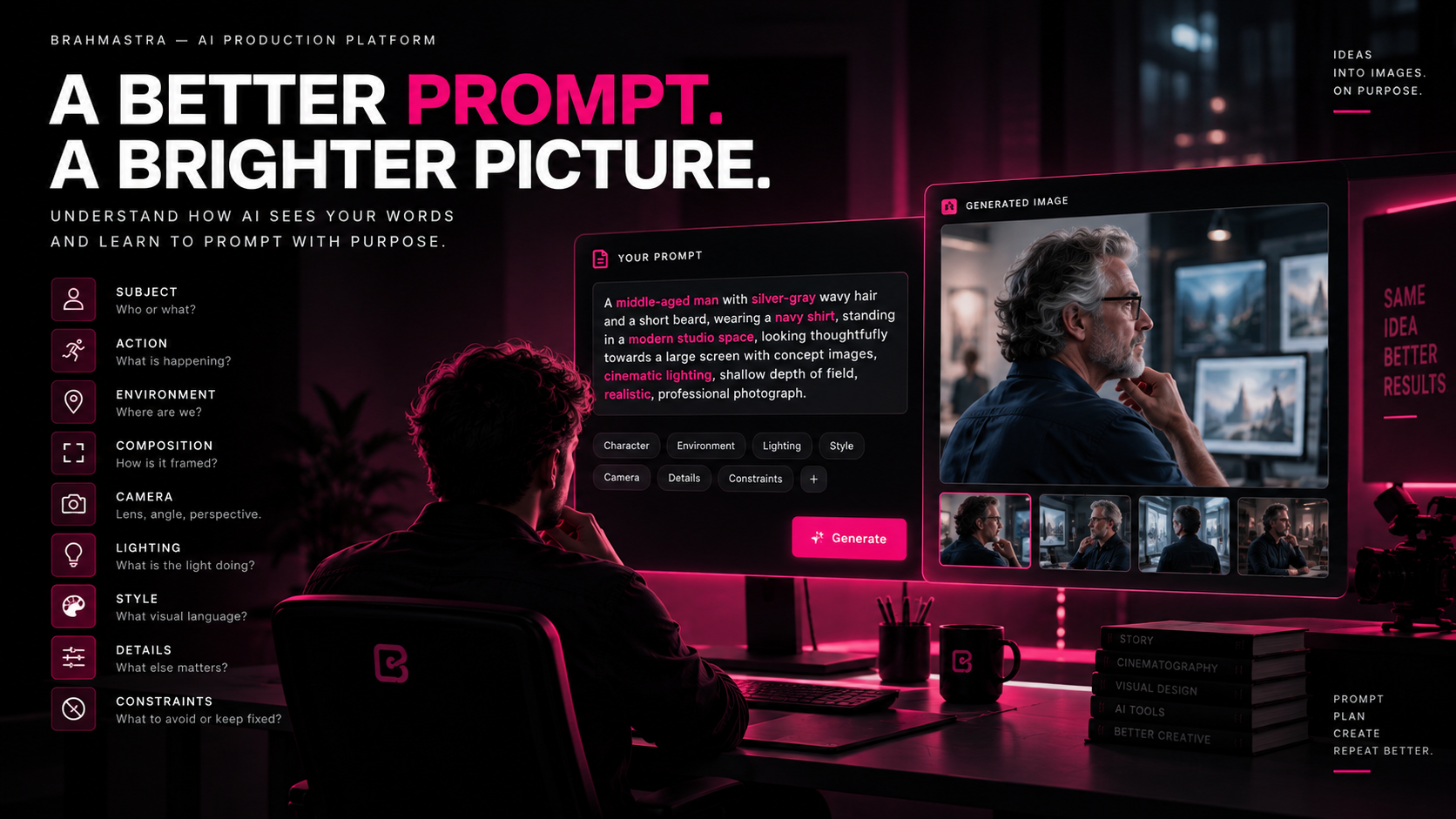
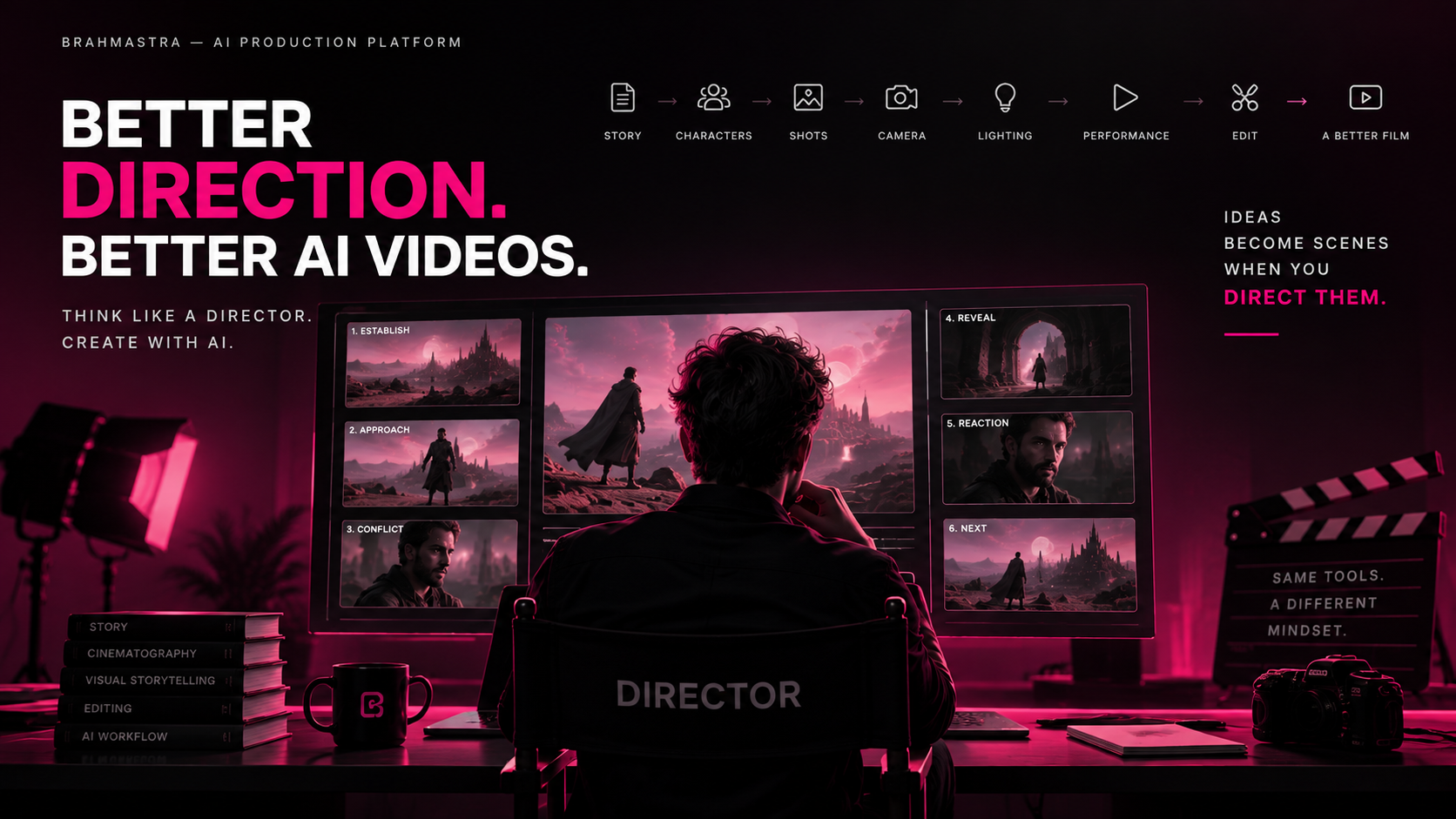
The easiest thing to do with AI is generate an image.
The second easiest thing is to turn that image into a video.
The difficult part?
Knowing what the image should be. Knowing what the camera should do. Knowing what the actor should do. Knowing why the shot exists.
AI has made visual generation accessible to almost everyone.
But accessibility has created a new problem.
People are producing more images and videos than ever before—and many of them still feel strangely empty.
Beautiful frames.
Impressive effects.
Cinematic lighting.
Slow-motion shots.
Epic camera movements.
And yet, the sequence doesn't feel like a film.
Why?
Because visual generation is not direction.
A good AI video isn't created by asking the model to "make it cinematic."
A good AI video comes from making better creative decisions before the model ever generates a frame.
Stop Thinking Like a Prompt Writer. Start Thinking Like a Director.
When someone discovers AI video generation, the natural instinct is to describe what they want.
"A beautiful woman walking through a futuristic city at night, cinematic, dramatic lighting, anamorphic lens, shallow depth of field, epic."
The model can probably produce something impressive.
But ask yourself:
What is the scene trying to communicate?
Why is she walking?
Where is she coming from?
Where is she going?
What does she want?
What does she notice?
What does the audience need to feel?
What happens before the shot?
What happens after it?
What should the camera reveal—and what should it hide?
These are directing questions.
The prompt is simply the interface through which you communicate those decisions to a generative system.
The better your decisions, the better your generations.
A Great Shot Has a Job
One of the biggest mistakes in AI filmmaking is creating shots because they look cool.
A drone shot looks cool.
A slow push-in looks cool.
A dramatic close-up looks cool.
A character walking toward camera looks cool.
But a film isn't a gallery of cool shots.
Every shot should have a job.
A shot might:
- Introduce a character.
- Establish geography.
- Reveal information.
- Hide information.
- Create suspense.
- Show emotion.
- Connect two locations.
- Establish scale.
- Shift the audience's attention.
- Create contrast.
- Deliver a story beat.
- End a scene.
Before generating a shot, ask:
What does this shot accomplish?
If the answer is "it looks cinematic," you probably haven't directed it yet.
Direction Starts With Intent
Imagine a character standing outside a closed door.
You could generate:
"A cinematic shot of a man standing outside a mysterious door."
But there are hundreds of ways to direct that moment.
Version 1 — Fear
The camera stays behind the character.
We see the door.
We don't see his face.
His hand slowly approaches the handle.
The audience knows something is wrong, but the character doesn't know what is behind the door.
Version 2 — Confidence
Low angle.
Character walks directly toward camera.
He doesn't hesitate.
The door fills the background.
The shot tells us that this person isn't afraid.
Version 3 — Suspense
Start wide.
The character enters the frame.
The camera remains still.
Something moves behind the frosted glass.
The character doesn't notice.
Now the audience knows something the character doesn't.
Same character.
Same door.
Same environment.
Completely different scene.
That difference is direction.
Learn the Language of the Camera
AI video tools increasingly expose camera controls.
But knowing what a control does is different from knowing when to use it.
You don't need to become a cinematographer overnight.
But you should understand the fundamentals.
Shot Size
A wide shot gives context.
A medium shot gives us the character.
A close-up gives us intimacy.
An extreme close-up gives us importance.
Ask yourself:
How close should the audience be to this moment?
If your character discovers something emotionally devastating, a wide shot may make the audience observe the moment.
A close-up may force them to experience it.
That is a directing decision.
Camera Movement Should Mean Something
AI generators love movement.
Ask for a cinematic camera and you may get:
- Dolly movements
- Crane shots
- Push-ins
- Pull-outs
- Orbiting cameras
- Tracking shots
- Dramatic rotations
Movement can make a shot feel expensive.
But movement without motivation often makes it feel artificial.
Instead of:
"Camera slowly moves toward character."
Think:
"As the character realizes what is happening, the camera slowly pushes toward him, reducing the space around him."
Now the movement has a reason.
The camera isn't moving because the AI can move it.
The camera is moving because the story demands it.
Direct the Actor, Not Just the Appearance
AI filmmaking often focuses heavily on what the character looks like.
Hair.
Clothing.
Face.
Age.
Body type.
But actors don't exist to look good.
They perform.
Direction is about behavior.
Instead of:
"A sad man standing in the rain."
Think:
"He has just received devastating news. He tries to remain composed, looks down, takes a breath, almost speaks, then stops himself."
Now there is a performance.
The difference between:
emotion as an adjective
and
emotion expressed through behavior
is enormous.
Instead of telling AI that someone is "angry," describe what the character does.
Instead of "nervous," show the hesitation.
Instead of "confident," show the physical behavior.
Instead of "sad," show what the character is trying not to reveal.
Give the Character Something to Do
Static AI characters often feel like mannequins because they have no objective.
Give the character an action.
A character can:
- Search for something.
- Hide something.
- Follow someone.
- Avoid someone.
- Open something.
- Prepare something.
- Discover something.
- React to something.
- Protect someone.
- Wait for someone.
- Make a decision.
Action creates life.
But even action should have intention.
A character shouldn't simply walk across a room.
They should walk across the room because they need to reach something before someone else does.
That tiny change transforms the shot.
Think in Beats, Not Prompts
One of the best ways to improve AI direction is to stop thinking about the entire video as one prompt.
Think in beats.
For example:
Beat 1 — Arrival
A character enters an abandoned building.
Beat 2 — Discovery
They notice something unexpected.
Beat 3 — Reaction
They realize what they are looking at.
Beat 4 — Threat
Something moves behind them.
Beat 5 — Decision
They turn around.
Beat 6 — Reveal
We finally see what is there.
Now you have a sequence.
Each shot has a purpose.
Each shot can have its own composition, camera, performance, and pacing.
The AI is no longer being asked to "make a cool video."
It is being directed through a sequence of intentional moments.
Continuity Is Direction
Imagine a character holding a coffee cup.
Shot 1: cup in right hand.
Shot 2: cup in left hand.
Shot 3: cup disappears.
Shot 4: character's jacket changes.
Shot 5: the room has a different window.
Technically, you may have five beautiful generations.
As a sequence, it falls apart.
Good direction requires continuity.
Track:
- Character identity
- Wardrobe
- Props
- Location
- Time of day
- Lighting
- Screen direction
- Camera position
- Character position
- Emotional state
- Story state
This is why AI filmmaking shouldn't be treated as a sequence of disconnected generations.
The previous shot is part of the next shot's context.
Learn Screen Direction
One simple filmmaking concept can dramatically improve AI-generated sequences:
180-degree continuity.
If your character is walking from left to right in one shot, suddenly showing them walking right to left can make the geography feel wrong.
AI doesn't automatically understand your scene geography the way a director does.
You need to establish it.
Decide:
Where is the character?
Where is the camera?
Where is the subject looking?
Which direction are they moving?
Where is the next camera?
Once those relationships are intentional, your sequence begins to feel like one scene rather than a collection of generations.
Learn Lighting as Storytelling
"Beautiful cinematic lighting" isn't a direction.
Lighting can tell the audience where to look.
It can establish time.
It can create mood.
It can separate characters.
It can reveal danger.
It can hide information.
It can change the emotional meaning of the same location.
A warm room can feel safe.
The same room under harsh overhead light can feel clinical.
A face half-covered in shadow can create mystery.
A silhouette can hide identity.
When directing AI, don't just describe the lighting.
Know why the light is there.
Don't Ask AI to Do Everything at Once
Another common mistake is trying to solve the entire shot in one generation.
Character design.
Environment.
Camera movement.
Complex action.
VFX.
Lighting change.
Emotional performance.
Product placement.
Dialogue.
All in one prompt.
The result often becomes unpredictable.
Break complexity into controllable decisions.
First establish the character.
Then establish the environment.
Then determine the composition.
Then define the action.
Then define the camera movement.
Then refine the performance.
The exact workflow can vary depending on the model and the production, but the principle remains:
Control the variables that matter.
Direct the Edit, Not Just the Shot
A great AI video can still become a bad film if the edit doesn't work.
Direction continues after generation.
Ask:
Why does this shot begin here?
Why does it end here?
How long should the audience see it?
What shot comes next?
Should we cut during movement?
Should we hold the reaction?
Should we reveal the information now or later?
Should the next shot be closer?
Should the camera direction match?
Should the music change?
Editing is where individual generations become a sequence.
The goal isn't to maximize the number of good shots.
The goal is to create the smallest number of shots necessary to tell the story effectively.
AI Gives You Infinite Takes. Direction Gives You Restraint.
Traditional filmmaking has always involved limitations.
Film stock costs money.
Crew time costs money.
Locations cost money.
Reshoots cost money.
AI changes the economics.
You can generate dozens of variations.
That sounds like freedom.
It can also become a trap.
If every possibility is generated, nobody is making decisions.
You end up with:
Version 1.
Version 2.
Version 3.
Version 17.
Version 42.
And somehow the original idea has disappeared.
AI gives you the ability to explore.
Direction gives you the ability to choose.
Build a Director's Eye
You don't need to become an expert in every filmmaking discipline.
But start training yourself to notice five things everywhere you look.
1. Composition
Why is the subject positioned there?
Why is there empty space?
What does the frame make you look at first?
2. Camera
Where is the camera?
Why is it there?
What would change if it moved?
3. Performance
What is the character doing?
What are they feeling?
What are they trying to hide?
4. Light
Where is the light coming from?
What does it reveal?
What does it hide?
5. Story
Why does this shot exist?
What changed because we saw it?
Start watching films differently.
Pause scenes.
Study frames.
Notice camera movement.
Watch how directors enter and leave scenes.
Pay attention to when a close-up appears.
Notice when a character looks away.
Notice how long the camera waits before revealing something.
You are training the part of your brain that AI cannot replace:
judgment.
The New AI Filmmaker Is a Director + AI Crew
The most powerful workflow isn't:
Human → Prompt → Model
It's closer to:
Human intent → Direction → Production system → AI crew → Review → Direction → Final decision
AI can generate.
AI can iterate.
AI can transform.
AI can accelerate.
But someone still needs to decide:
What should exist?
What should not exist?
What needs to change?
What is good enough?
What tells the story?
That person is the director.
Brahmāstra's Philosophy
At Brahmāstra, we believe AI should amplify creative direction—not replace it.
That's why our approach begins with the production, not the generation.
Characters can be established.
Locations can be defined.
Shots can be planned.
Camera intent can be expressed.
Takes can be compared.
Versions can be reviewed.
Decisions can be locked.
And generations can happen inside that connected context.
The goal isn't to make you better at prompting.
The goal is to make you better at directing with AI.
Because the model will change.
The interface will change.
The generation engine will change.
But the ability to tell a story through images, performance, camera, light, movement, and editing will remain.
Don't Generate More. Direct Better.
The next time you open an AI image or video generator, don't start with:
"What should I prompt?"
Start with:
"What am I trying to make the audience feel?"
Then ask:
What does the character want?
What should happen in this shot?
Where should the camera be?
Why should it move?
What should the actor do?
What should the audience know?
What should remain hidden?
What must remain consistent with the previous shot?
What needs to happen next?
Only then should you write the prompt.
Because prompting is the final expression of direction.
It is not direction itself.
AI has made production faster.
Now we need to become better directors.
Don't blindly create images and turn them into videos.
Direct the image. Direct the performance. Direct the camera. Direct the sequence.
And let AI execute your vision.
That's how you stop making AI-generated clips.
That's how you start making films.
— Brahmāstra